For healthcare and community health
One honest view across your services, your finances and your data
Delivery rate, collection rate, margin, overdue amounts and a score for how much the numbers can be trusted, for one site or a network. Built from the exports your systems already produce.
Every picture on this page is our example company, with sample data.
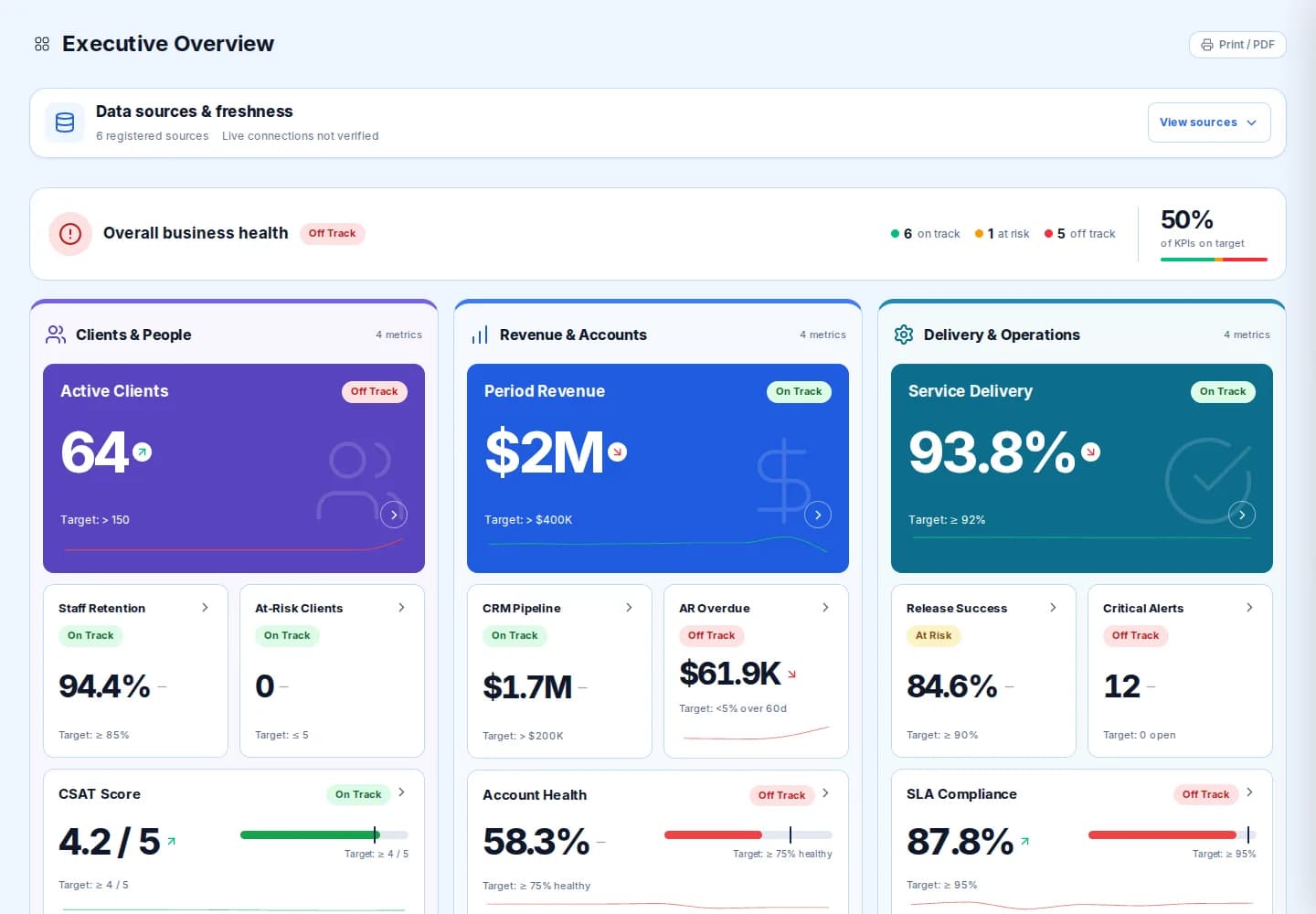
What you see
Service delivery, finances and a score for how far the numbers can be trusted.
What you need
Exports from practice management, clinical, finance and rostering systems.
How you start
A 15 minute call, then a working session on one of your exports.
The reason
Why healthcare providers ask for this
A clinic network or a community health service usually runs on four or five systems that do not talk to each other: practice management, a clinical record, finance, rostering and a reporting spreadsheet someone maintains on a Friday. The monthly pack takes days, and by the time it is read the month is over.
MERIT Lumina is built around the questions a practice manager, a finance lead and a board ask: what share of scheduled services was delivered, what did we bill and collect, where is the margin going, what is overdue, and can we trust the numbers we are looking at. Each measure carries a target, a trend and an owner.
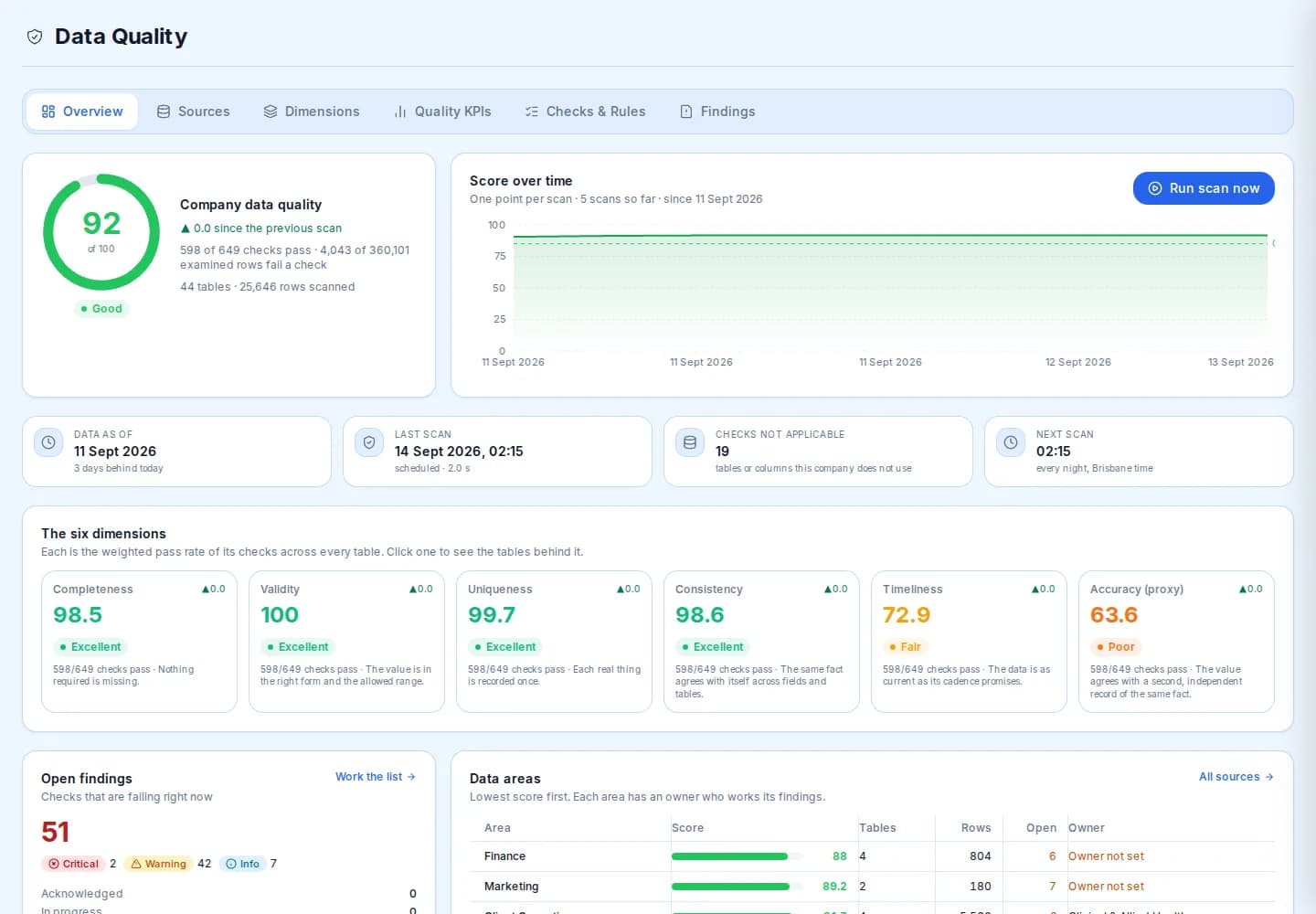
Good to know. The data quality screen is the part most reporting tools leave out. It scores completeness, validity, uniqueness, consistency, timeliness and accuracy across every table you load, so a bad number is flagged as a bad number and not read as a bad month.
See it working
Three questions, three screens
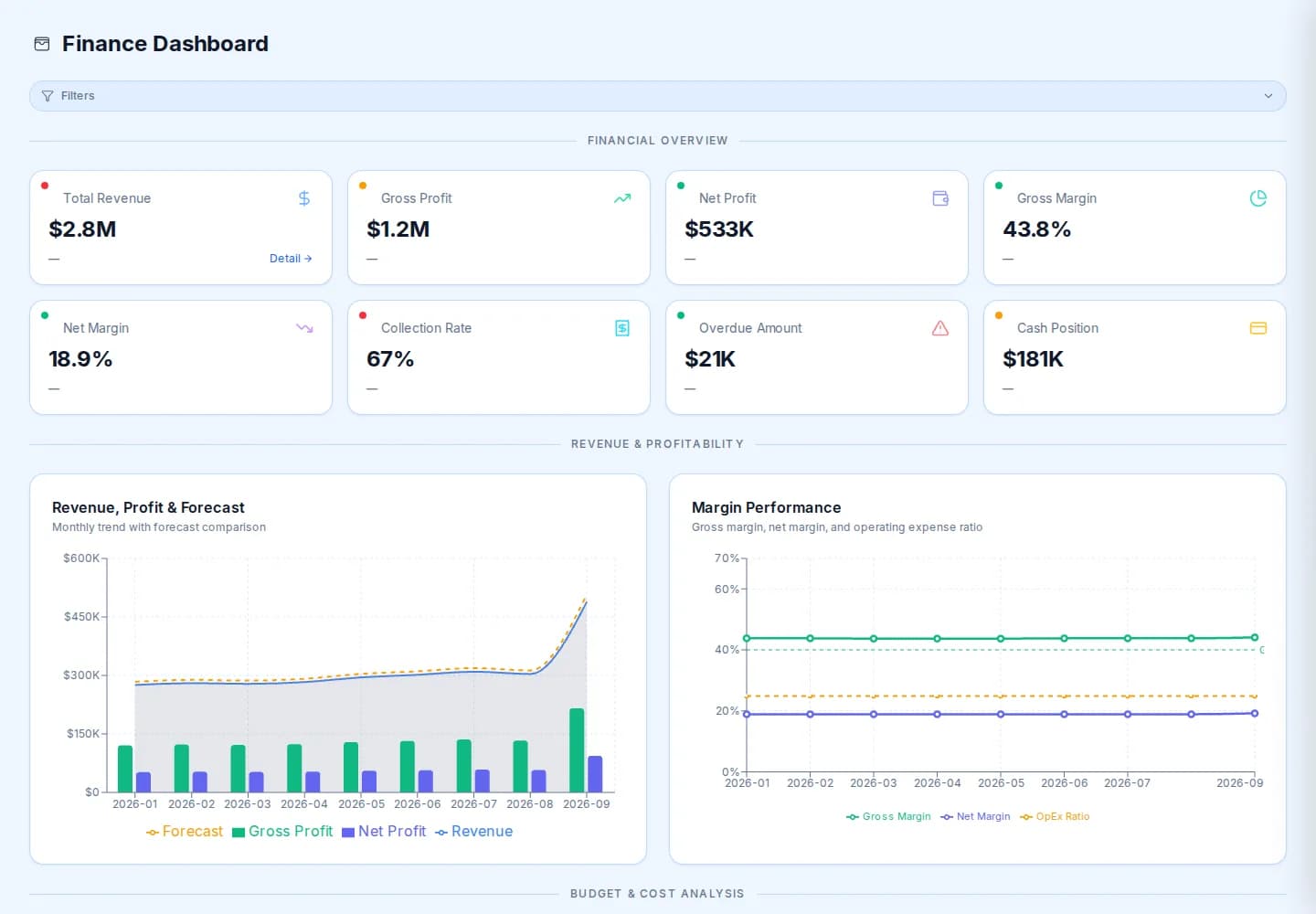
Pick a question to open the screen that answers it. These are real screens of the platform, filled with sample numbers.
Measures
What healthcare and community health providers watch here
The list is a starting point. We agree yours with you.
Every measure has
- A target
- A trend
- An owner
- Delivery
Service delivery rate
Delivered services as a share of scheduled services, with cancellations shown separately.
- Finance
Collection rate
What was collected against what was billed, so the gap is a number and not a feeling.
- Finance
Gross margin
What is left after the direct cost of delivering care, by month and by site.
- Finance
Overdue amount
Money owed to you past its terms, with the trend that says whether it is growing.
- Quality
Data quality score
One score across six dimensions, with the tables and owners behind it.
- Accountability
Open exceptions
Every measure that crossed its threshold, with an owner and a due date.
- Workforce
Staff utilisation
Billable hours against available hours, by team, against the target you set.
- Quality
Service level attainment
The share of response and resolution commitments met, for the services you promise them on.
How it works
Four plain steps, no new system
Nothing new for your staff to type into.
- 1
Start with the data you already have
Exports and spreadsheets from your client, rostering, finance and HR systems. Nothing new to type in.
- 2
We set it up with you
Together we agree which measures matter, what a good number looks like, and who owns each one.
- 3
Thresholds, owners and exceptions
When a number crosses its line, it becomes an exception with an owner and a due date, not a surprise at the next board meeting.
- 4
Actions and evidence
Every action, status change and sign-off is kept, so the story of what you did about it is there when someone asks.
- Where does the data come from?
- From what you already have: exports and spreadsheets from practice management, clinical, finance, rostering and HR systems. We load them with you. There is no self-serve connector to switch on today, and we do not pretend there is.
- Are the pictures on this page real?
- They are real screens of our example company, Merit Lumina (Demo), filled with sample data. Nothing on this page is a provider's data, and no patient data is involved. Your version is built from your own exports.
- We run several sites. Does it handle that?
- Yes. Each site keeps its own numbers and the network view sits on top. Thresholds can differ by site where they should.
See your own numbers, not ours
Fifteen minutes is enough to decide whether it is worth a working session on one of your exports.